 HootBook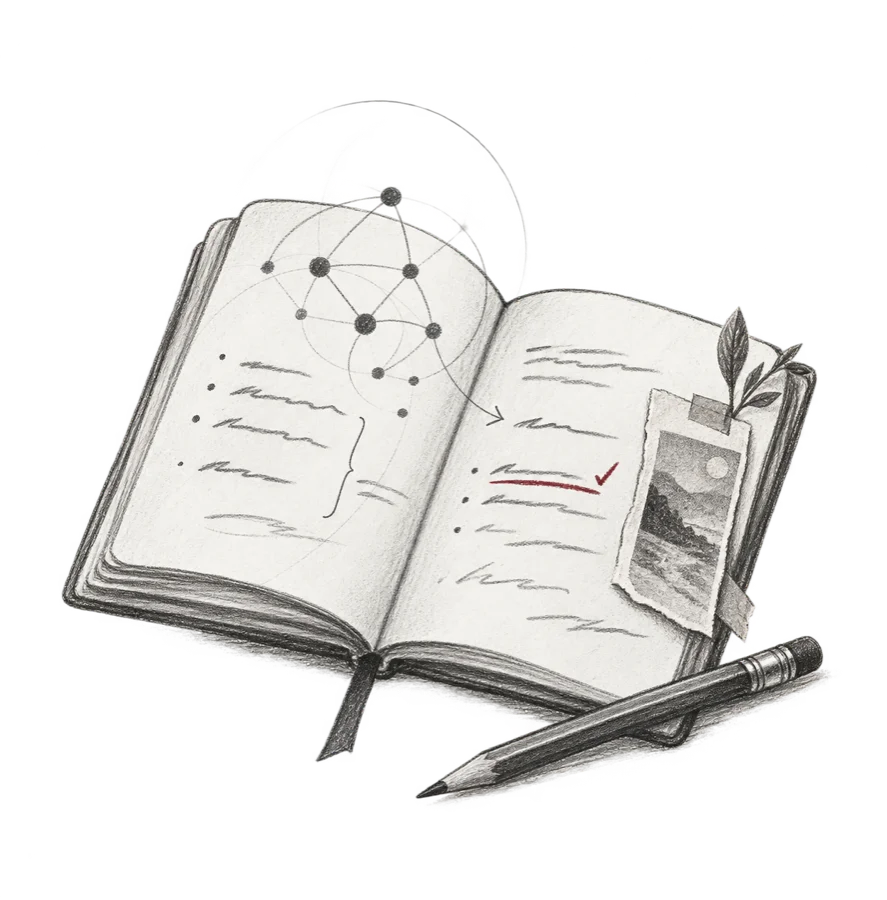
A page before you have the answer.
You don’t have to know what a thought will become before you give it a page. Write about the conversation you are still turning over, the place you want to return to, or the thing you might make next. Keep the words, pictures and questions together. Leave room to come back.
HootBook keeps that space on devices you own. Your journal is yours to write in, revisit and carry with you. It works with or without AI.
Stay with the thought.
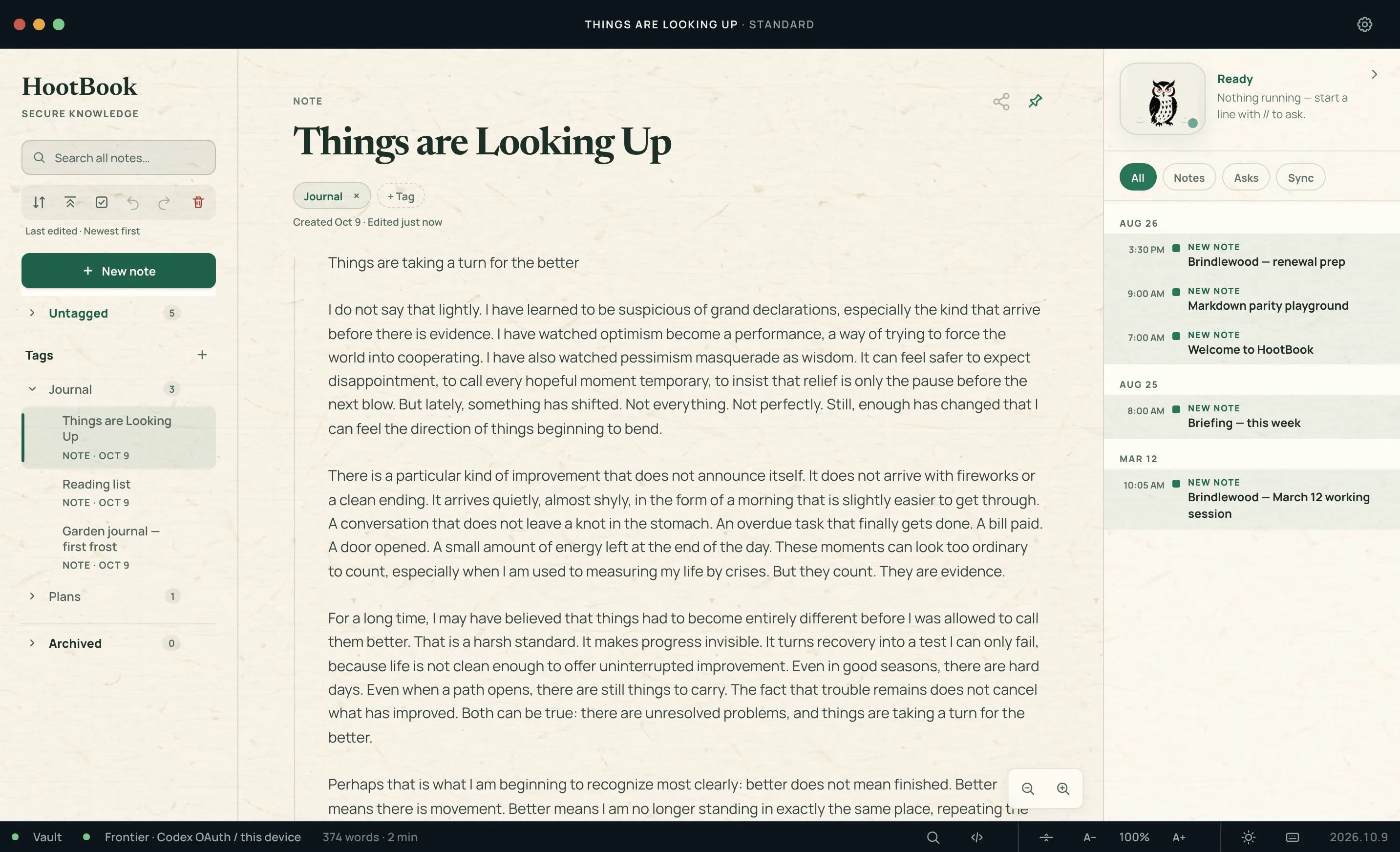
When you reach a question, ask it where you are writing. Start a line with // and bring Claude, ChatGPT or another supported AI into the note. Ask for a different angle, test an assumption, or work through what comes next.
By default, the answer waits on a card beneath your question. Read it, question it, and choose what earns a place on your page. Keep an answer when it helps; ask a follow-up when there is more to explore.
Ask with // on Mac or Windows, using your own supported subscription or API key. The open note and any context you add go to the provider you choose; the ask does not search the rest of your journal. Your provider’s terms govern what it keeps. KUON receives neither the note nor the answer.
Your journal. Your devices.
A private journal gives you somewhere to write before you are ready to share. HootBook stores your notes as ordinary Markdown on your own devices. Encrypted peer-to-peer sync over your private Tailscale network keeps them together on Mac, Windows and Android. KUON holds no copy. There is no HootBook account and no telemetry.
Your writing stays portable. Your AI can change. The pages remain yours. Keep an encrypted backup pack and its passphrase safe; sync is not a backup.
Before the meeting. After the room empties.
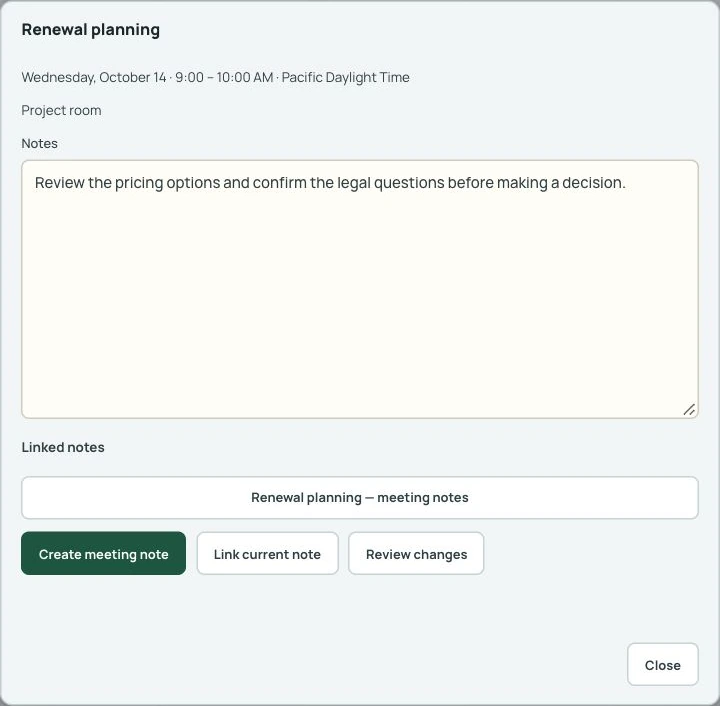
A question to bring. A decision worth remembering. The thought that comes to you on the way home. Open an appointment and give its thinking a page of its own.
Start a meeting note or link one you already have, so preparation, decisions and follow-ups stay connected. Linking the note does not send its contents to the calendar or the people attending.
Move between Month, Week and Day views. Review proposed calendar changes and confirm them before they are written. Connect Google Calendar on Mac and Android, or Mac Calendar on a Mac. Windows does not connect to Google Calendar.
Catch the thought before it passes.
Some days, speaking is the way into a page. Live transcription can write down what is said, on your device. A voice conversation lets you ask an agent to find, create and add to notes while you talk.
Voice and transcription are available on Mac and Android, not Windows in this preview. Transcription runs locally; optional AI transcript refinement is off by default. Voice sends microphone audio and the notes the agent reads to your chosen OpenAI or xAI provider. When asked, the agent can add to notes without another approval step.
Begin with a page of your own.
HootBook is in early access in the US for Mac, Windows and Android. Start a journal on a Mac or Windows computer; add Android to keep it with you. A phone syncs while the app is open and has no // asks.
Request early access at hootbook.ai →
Google Calendar and your data
HootBook, previously called Shiori, uses the Google Calendar integration described in our Google data disclosure. It reads the calendar you select when you open or browse the calendar, or ask the calendar assistant. It never deletes events. Your Google sign-in stays on your device. When you ask the calendar assistant, the calendar information needed to answer it is sent to the AI service you selected. KUON.ai does not receive your Google data.